Sequence Lesson 4
Writing a Message
Students build a message event: show the mission words, trigger the event, then watch the scene respond.
Build the launch sequence.
A click is an event. The response cards control what appears on the launchpad scene.
What you are learning
- An event is something the user does, like clicking a button.
- Show Words gives the user a message before the action.
- The Event card launches the rocket.
- Add Sparkle celebrates after the rocket moves.
Message 1
Message 2
Click Event
Message 3
Celebrate
Pick response cards in the order you want them to happen on the scene.
Test the launch scene.
Choose response cards, then run the scene to see each event happen in order.
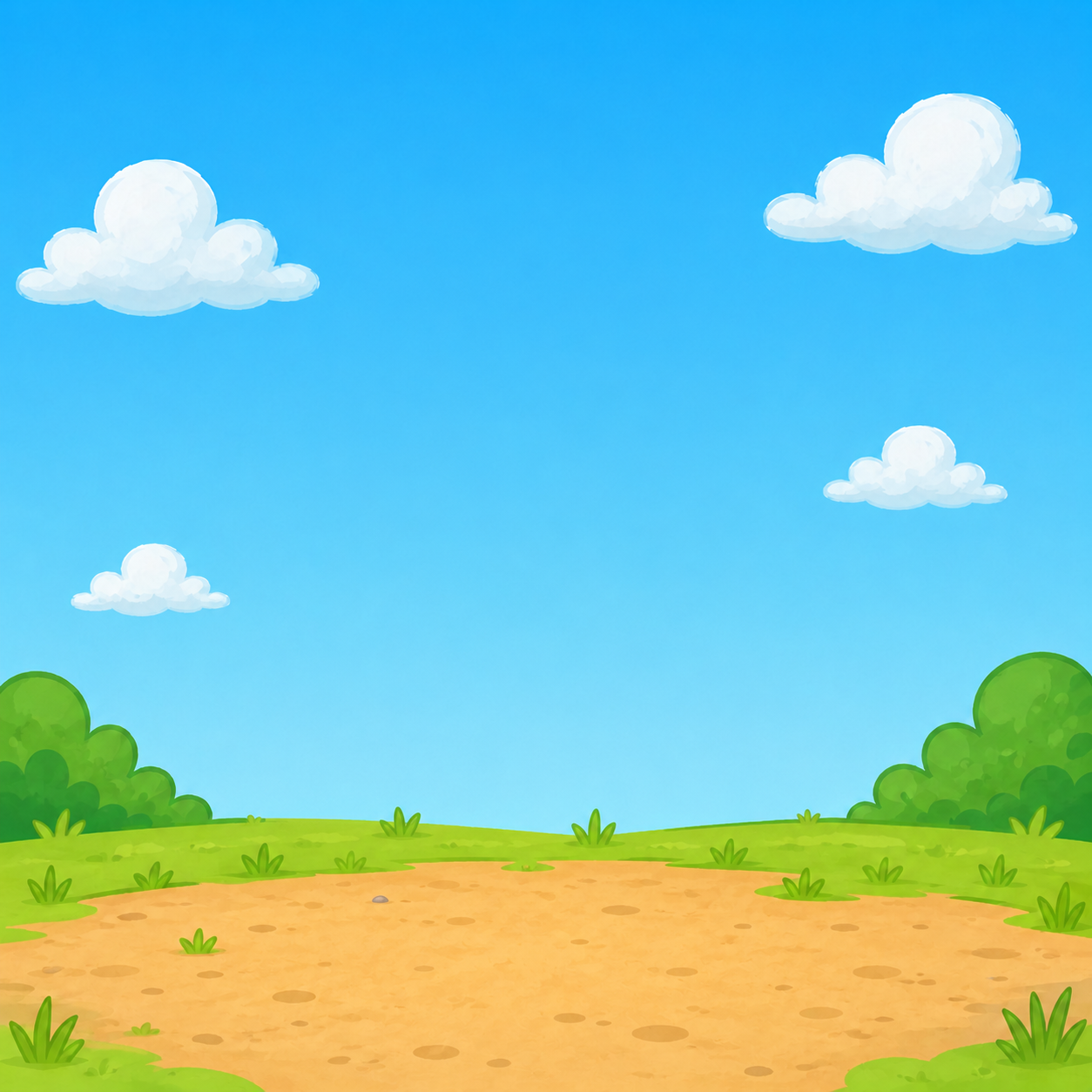
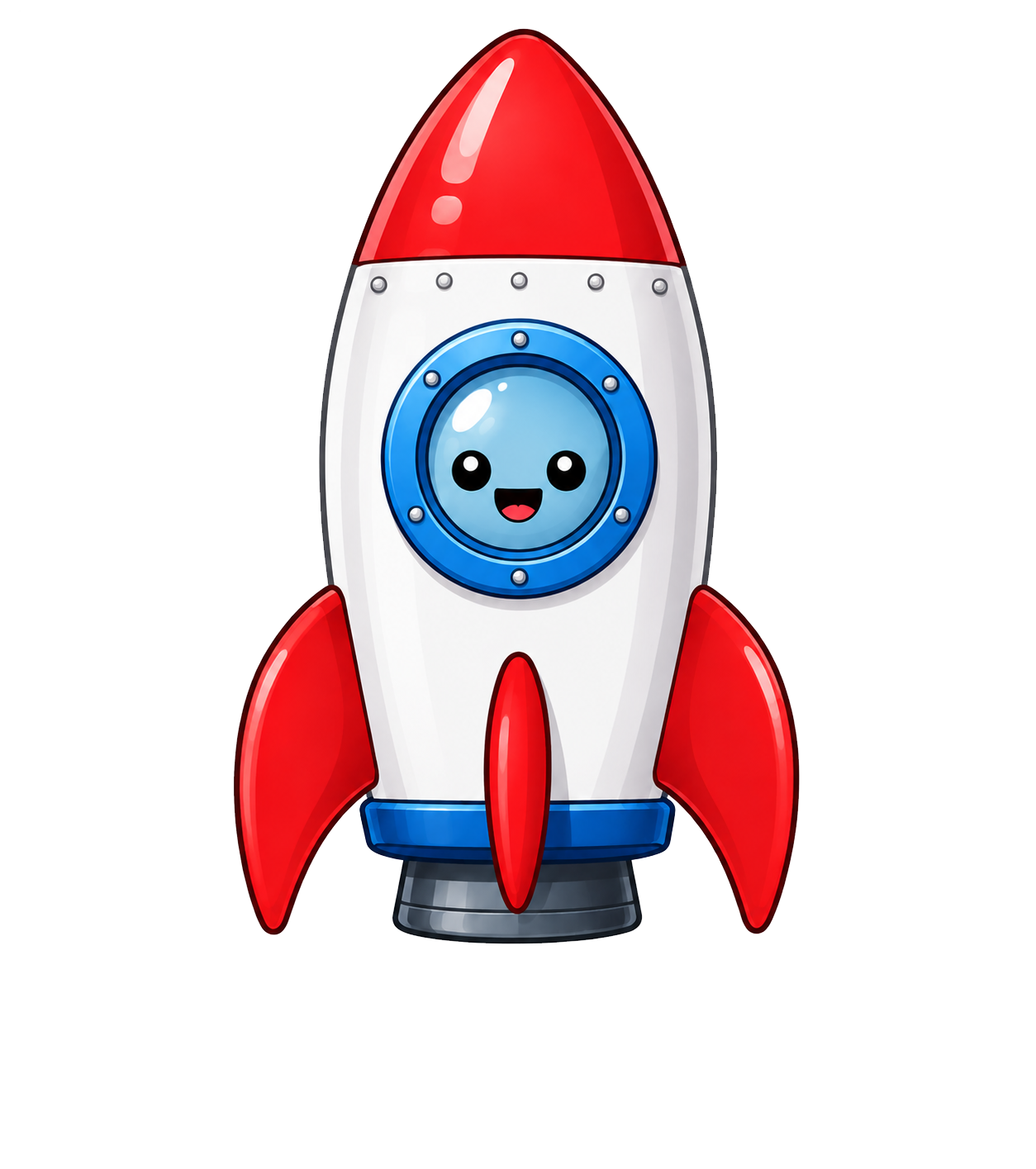
Build the sequence: ready message, countdown, event, liftoff message, celebrate.
My launch order
- Choose response cards to build your launch.
Launch event complete.
Your click started the event, and your response steps ran in order.
Start Writing a Message